
How does a vendor card appear to different audiences?
Explains how vendor business cards appear in different views to different audiences.
Updated September 3, 2025
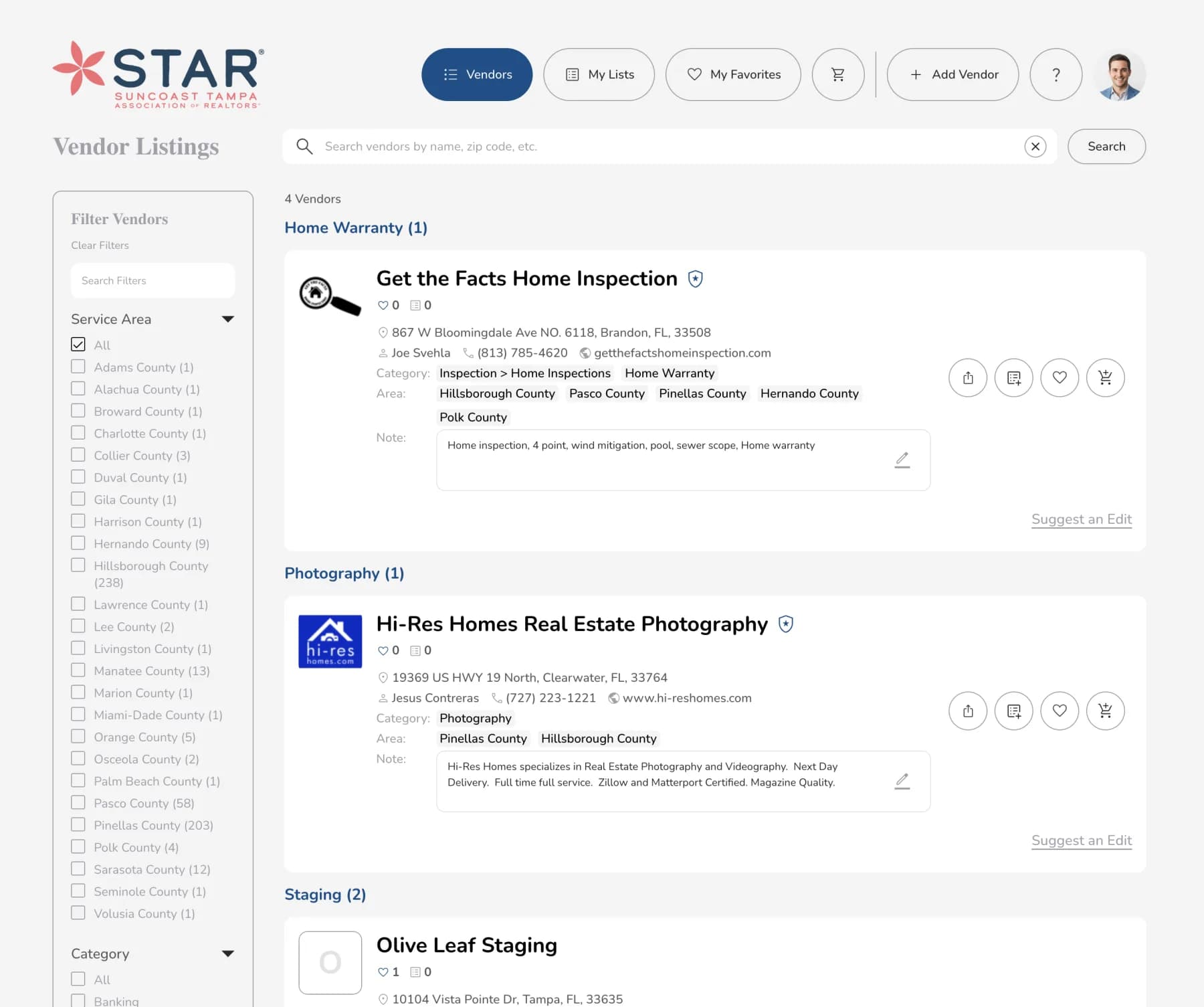
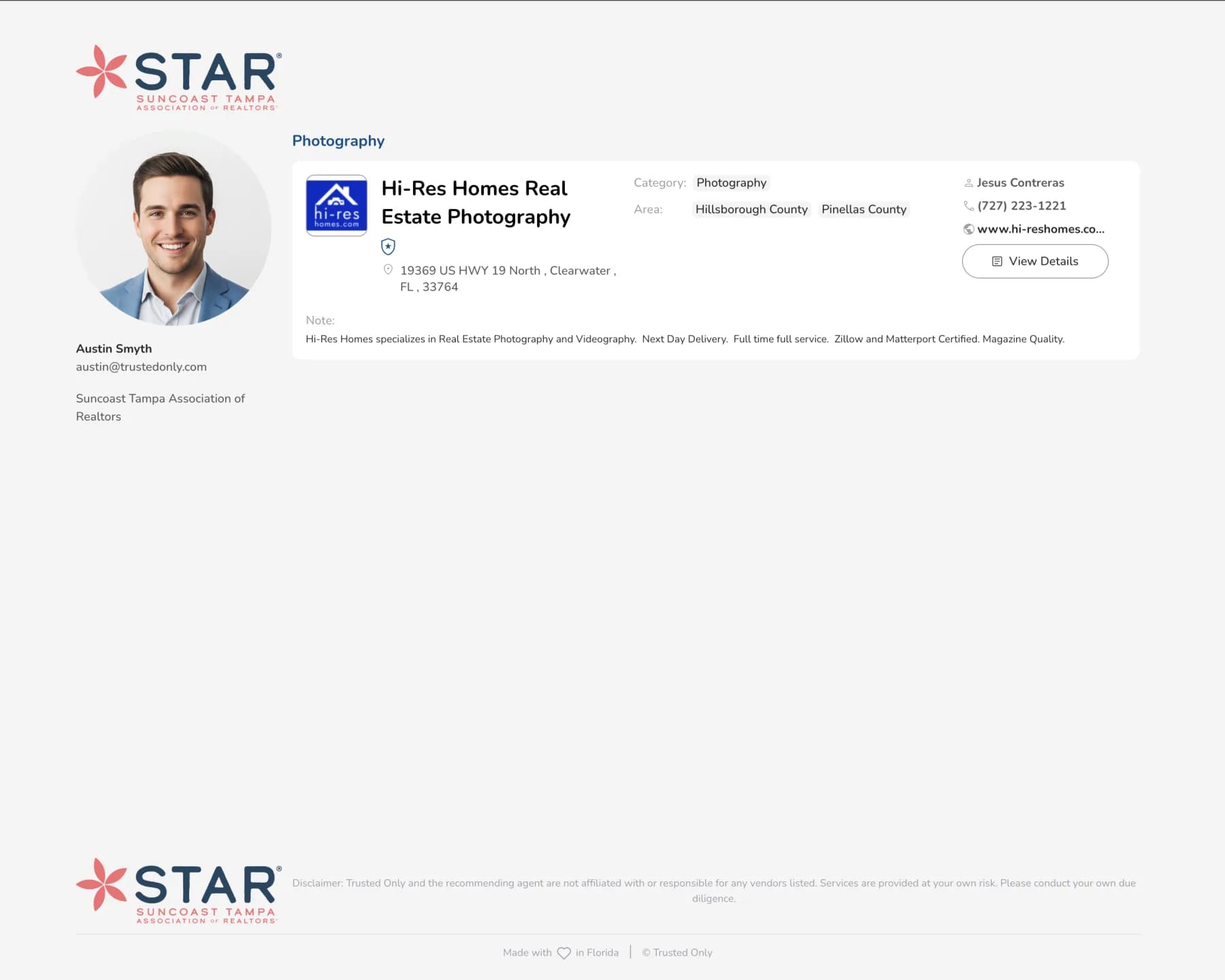
Here's how your business card will appear to different audiences:
For Realtor Members (Trusted Only view): When Realtor search for vendors to recommend to their customers, they'll see the vendor business card in this private directory.
For Consumers (Public view): When Realtors recommend vendors to their customers, consumers will see the business card in this shared public view.
For Consumers (Public Directory view): This is the view the general public can access when browsing or searching for vendors within an organization's vendor network.
Was this article helpful?
If you still need help, our support team is ready.